If you’re struggling financially, start by picking up Dave Ramsey’s book The Total Money Makeover. Read it cover to cover. It changed my life — it might change yours too.
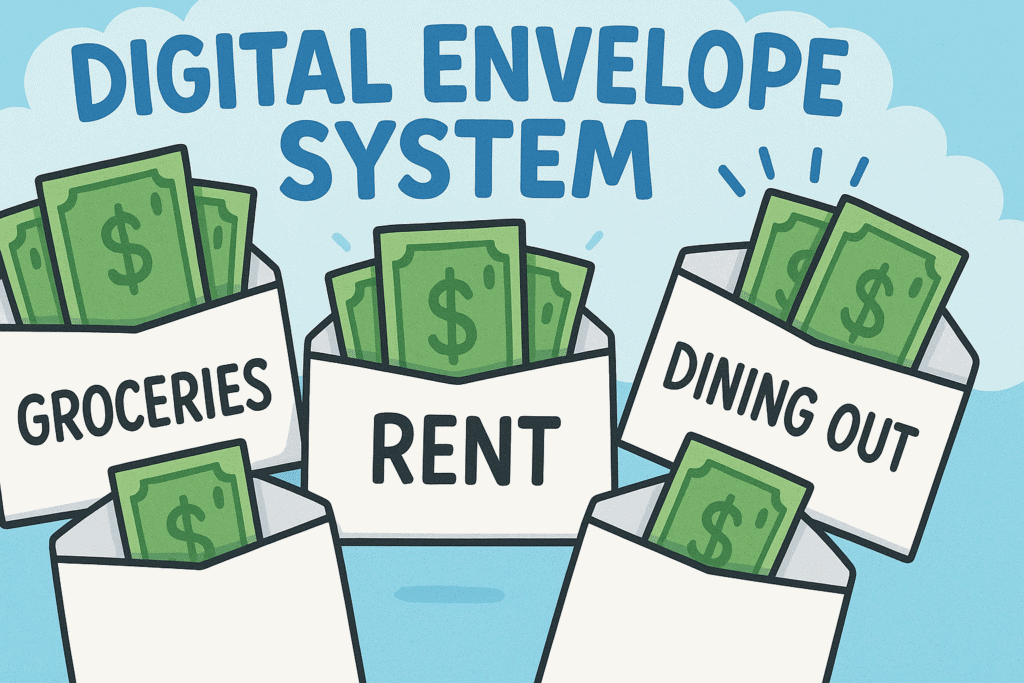
When I first got serious about taking control of my money, I followed Dave’s advice to build a zero-based budget: plan where every dollar goes before the month begins. He also recommended the envelope system — using cash to keep your spending in check for categories like groceries, entertainment, and dining out.
It’s a smart method. But for me? It didn’t work.
I’m not a cash person. I’m not even a paper person. I’ve always been digital — from journals to finances — so I needed a system that worked with my habits, not against them. In my opinion, this is one of the secrets to success. Work with, not against your natural tendencies. Learn from others. Yes-but adapt their systems to make them yours (including mine).
Why I Went Digital
My handwriting is awful. I don’t keep physical notebooks. My entire workflow is online, and I wanted my money management to be just as smooth.
That’s when I started looking for a bank that would let me:
- Bank fully online
- Open unlimited savings accounts
- Avoid overdraft fees
I landed on Capital One, back when their savings accounts were branded as Orange Savings. They let me set up multiple savings accounts for free, each acting as its own “digital envelope.” I even created accounts for my kids’ allowance.
Here’s a Sample of My Digital Envelopes:
- Groceries & Gas
- Utilities
- Home Maintenance
- Spending – Daryl
- Spending – Kerry
- Groceries – Lainey
- College Tuition
- Mortgage
- Taxes & Home Insurance
- Auto & Life Insurance
Note: The “&” just means I’ve combined those expenses into one envelope. For example, my “Taxes & Home Insurance” account covers both.
I also have a Main Account, which I call the Wheel — that’s where all income is deposited. Nothing leaves that account directly. I don’t have a debit card or checks tied to it. From the Wheel, I move money to my envelopes either bi-weekly (to match my pay cycle) or monthly (for fixed bills).
So, for example:
- Groceries & Gas: funded every two weeks
- Mortgage: funded once a month
The Wheel might show a balance during the month, but I don’t use it to spend. It’s just the hub — a holding tank for planned transfers.
How I Handle Expenses
Some accounts are simple. Take Utilities: Bills are set to autopay. To plan for those, I look at the 12-month average and transfer that amount monthly.
For example, in Bozeman, my natural gas heating bill ranges from $0 in July to about $75 in January. (Yeah, people in Maine are probably laughing at how low that is.)
Now contrast that with Maine, where I heat with propane — and even with the thermostat set to 55 while I’m gone, I still get bills between $400–$600 a month. Why?
- Bozeman = small townhouse + shared insulation
- Maine = single-family home + cold winters = $$$
THE SETUP
I use Google Sheets Setup isn’t plug-and-play. It takes real work. But once you build momentum, the system runs itself — and that’s where the magic happens.
Final Thoughts
- This isn’t a strict Ramsey plan. According to his rules, I didn’t follow the system exactly.
- But I took the principles and customized them to work for my lifestyle.
- That’s what matters. Personal finance is just that: personal.
At some point, I’ll create a Google Sheet version of this setup and share it. Right now, my household budget sheet is private — but it works like a charm.
Yes, it takes effort. Yes, it’s a grind at first.
But when you get that financial snowball rolling, everything gets better.
And I do mean everything. Even ice cream tastes better when your money is under control.